

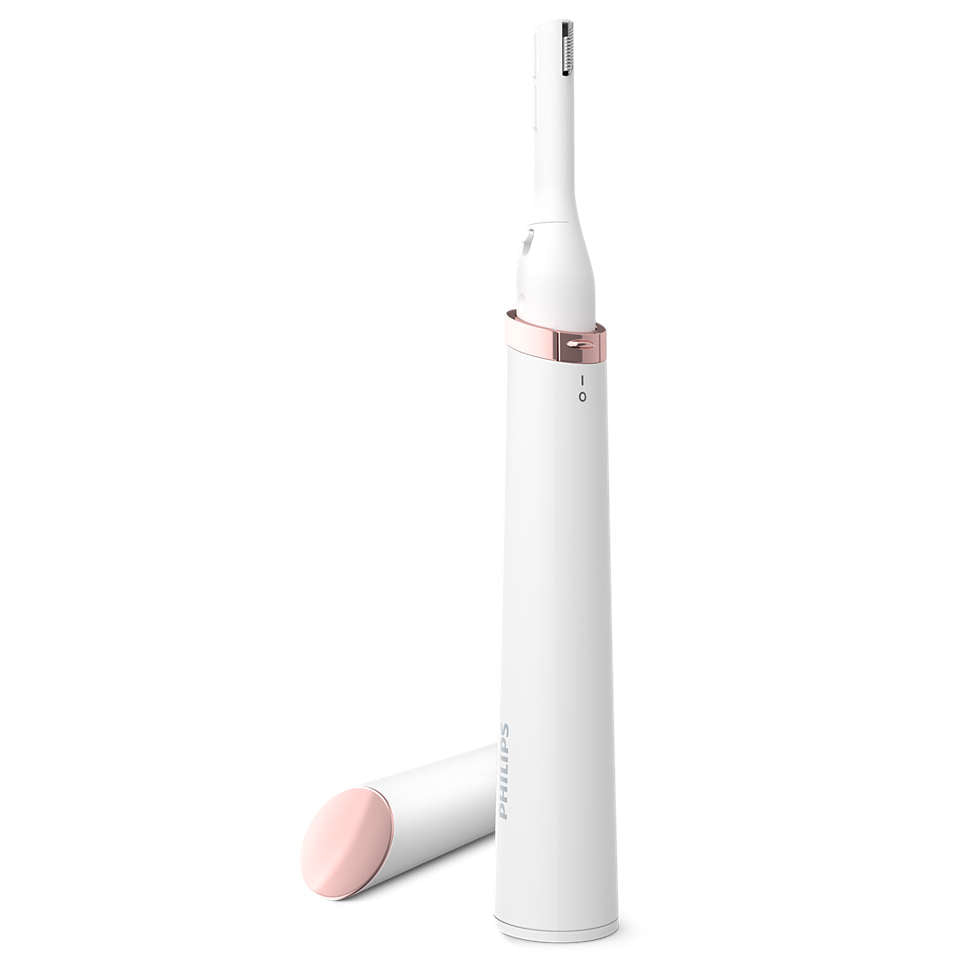
Philips Precision Trimmer 4000 Touch-up pen trimmer Model HP6388/00
This is a compact pen-style trimmer for womenÄ?¿?_s grooming by Philips: model?�??HP6388/00.?�?? ItÄ?¿?_s designed for?�??facial hair and...
Vendor:
PHILIPS
Availability:
Out Of Stock
- INR. 1,695
- INR. 1,695
- Unit price
- per
Please hurry! Only 0 left in stock
Subtotal:
INR. 1,695
10 customers are viewing this product
Couldn't load pickup availability
Description
x-
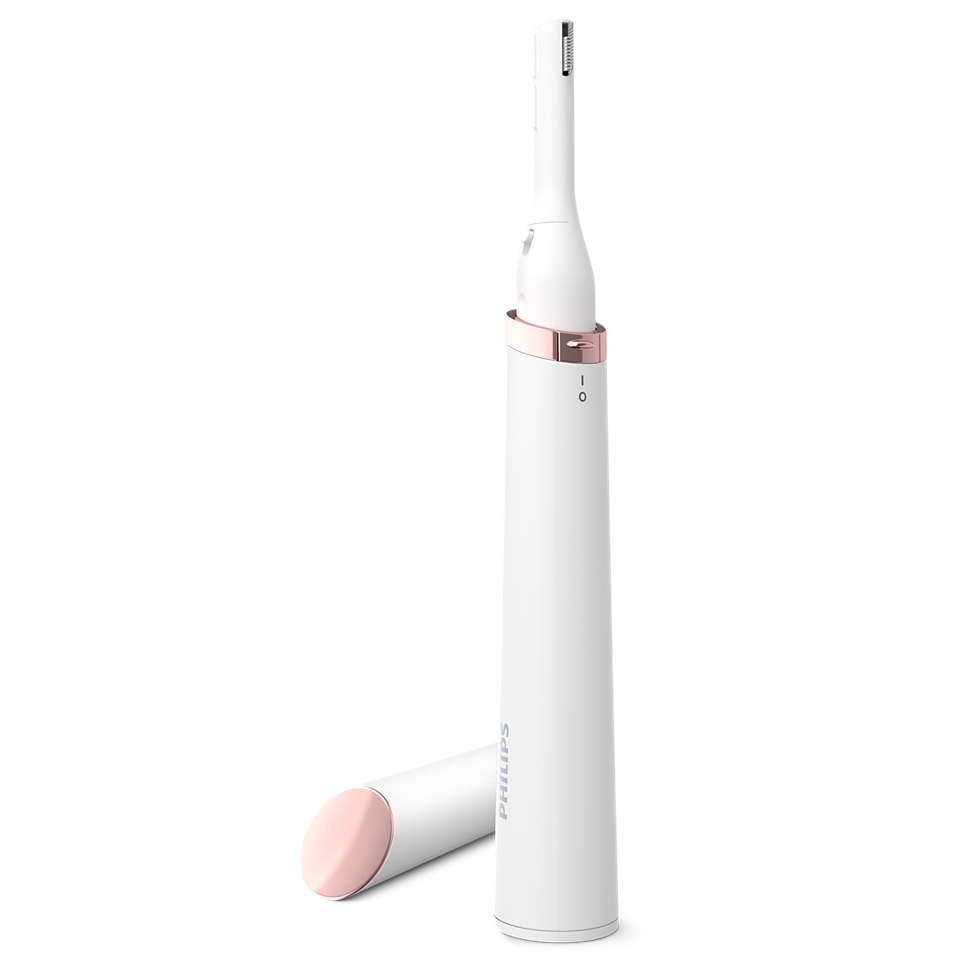
This is a compact pen-style trimmer for womenÄ?¿?_s grooming by Philips: model?�??HP6388/00.?�??
-
ItÄ?¿?_s designed for?�??facial hair and eyebrow grooming, featuring a small Ä?¿???�1/3Ä?¿??_ trimming headÄ?¿?� for precision.?�??
-
It supports two trimming lengths (2 mm and 4 mm) via a comb attachment for eyebrows.?�??
-
It runs on a single AAA (or included battery) for cordless portability.?�??
-
The device is marketed as an on-the-go beauty tool for quick touch-ups of fine hairs on the face (e.g., upper lip, sideburns) as well as shaping eyebrows.?�??
?�??Key Benefits
For your grooming or model-prep use (especially if you work on visuals, shoots, or need models looking clean & polished), these are the main benefits:
-
Precision grooming: The small trimming head allows accurate removal of fine hairs (upper lip, under chin, sideburns, brow area) without needing bulky gear.
-
Portable & convenient: Runs cordless on a single AAA battery and compact in size Ä?¿???? good for touch-ups backstage, on the go, between shoots or on location.
-
Dual length control for brows: The included comb for 2 mm/4 mm lengths helps you shape eyebrows with some uniformity rather than free-hand Ä?¿???? useful when prepping models for consistent look across shots.
-
Less visible grooming: Since it focuses on fine hairs, it helps create cleaner skin surfaces (important for close-up visuals or high-resolution brand assets) Ä?¿???? fewer stray fine hairs means less post-production or patch correction.
-
Budget-friendly grooming tool: For personal grooming and model prep alike, this is a relatively moderate cost tool that covers fine-hair touch-up rather than full body or heavy hair removal.
?�??How to Use It
HereÄ?¿?_s a practical step-by-step, especially relevant if youÄ?¿?_re prepping models for shoots or doing grooming in a studio/backstage environment:
-
Prepare the area
-
Clean the skin surface where you plan to trim (face/upper lip/brows). Remove makeup or moisturiser if it covers the hairs.
-
For eyebrows: brush the brow hairs upward/outward so you see stray hairs and can shape cleanly.
-
-
Install the comb attachment (if shaping brows)
-
Choose the comb for 2 mm or 4 mm length (depending on how much hair you want left).?�??
-
Snap the comb onto the trimming head securely.
-
-
Trim/shape with the device
-
Turn the device on (ensure battery installed and good).
-
Hold the trimming head flat or slightly angled and gently move against the direction of hair growth for upper lip or sideburn area; for brows, modest strokes along the hair growth direction with light pressure.
-
For fine stray hairs, you may remove comb and use trimming head alone for closest removal.
-
-
Clean and finish
-
After use, turn off device and remove the head/comb (if possible) to clean hairs. Use the small brush included to remove trimmed hair from head.?�??
-
Wipe the area (modelÄ?¿?_s face) with a clean cloth, and then you may apply a light moisturiser or soothing gel especially if skin looks slightly red.
-
For modelling/grooming prep: follow with any base skincare or makeup routine to ensure model skin is ready for shoot.
-
-
Maintenance
-
Replace battery when device slows or under-performs.
-
Store in a clean, dry place (especially in humid climates) to avoid corrosion of the head.
-
Clean head regularly and if wear/damage observed replace the trimming head (if spare parts available).
-
Related Products
kunchals
kunchals
kunchals
kunchals
kunchals
kunchals
kunchals
kunchals
kunchals
kunchals
Recently Viewed Products

- Choosing a selection results in a full page refresh.


